 Hanatech IoT Inc.
EV charging that fits the lots and buildings you already run.
Yektora manages charger usage, billing and electrical load in parking lots, residential and commercial buildings, and standalone charging sites, on the same platform as parking and energy.

What does EV charging on Yektora do?
It shows what every charger is doing, measures energy per charger and per session, ties charging to parking and to tenant billing where permitted, and keeps charger load from pushing a site past its demand limit.
Built for: Parking operators, property managers, and owners of residential, commercial and institutional buildings or any site that hosts chargers.
In use EV charging usage and energy analytics per charger, and charger usage and billing alongside Yektora Parking.
Engineered per site OCPP charger connection, load management and peak-demand control are configured around each site’s chargers, meters and electrical capacity, starting with a pilot on one panel or one lot.
EV bays, run like every other bay.
Charger sessions sit next to parking sessions, so the operator sees one lot, one set of rules and one set of reports.
- One system. Occupancy, EV bay use and charging sessions in the same view.
- Rules you set. Pricing for EV bays follows your time-of-day and occupancy rules, inside floor and ceiling prices.
- Energy and revenue per bay. Know which chargers earn their place.
- Faults to people. A failed charger opens a case and reaches whoever can fix it.
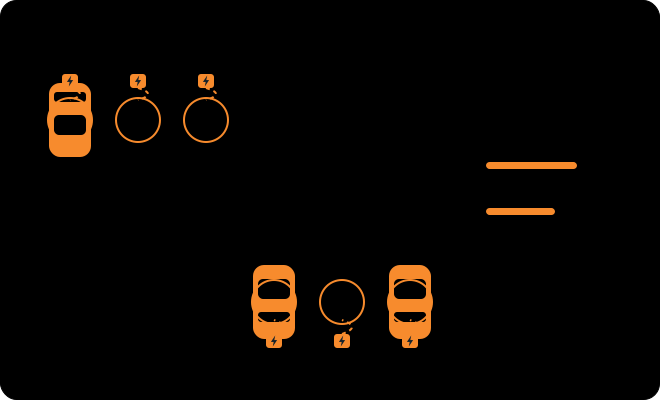
Charging that shares the building’s power, not fights it.
Chargers in the garage draw from the same panel as the lifts, lights and heating. Yektora puts all of it on one screen.
- Per-charger metering. Energy for every charger, from compatible revenue-grade meters.
- Billing by tenant or unit. For reporting, and for tenant billing where permitted.
- Charger load beside building load. See what charging adds to the site, hour by hour.
- Works with what you have. Reads your existing BMS and meters. No rip-and-replace.
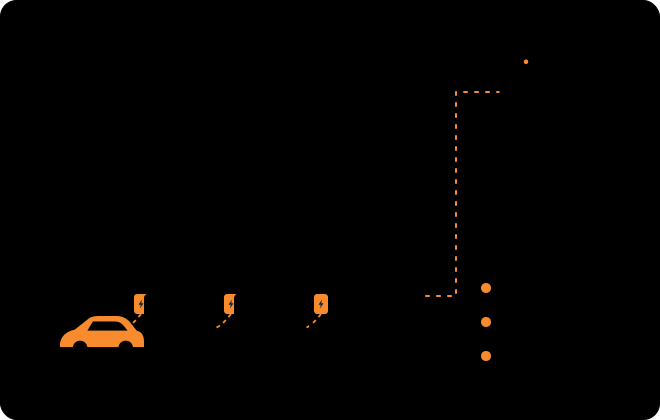
One charger or a small network, watched remotely.
Retail, hotel, workplace and municipal sites can see status, sessions and energy without a parking system behind them.
- Live status. Available, charging or faulted, per charger.
- Sessions and energy. Per charger, per day, per site.
- Alerts that reach someone. Offline chargers and connector faults open a case for the site contact.
- Grows with you. Add chargers, or add Yektora Parking later, on the same platform.
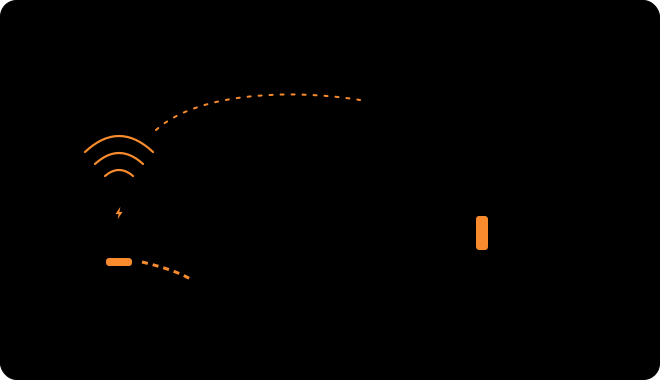
Keep charging from setting your peak.
Plugging in a dozen cars at 5 pm can set a site’s demand peak for the month. Yektora measures site load and limits or shifts charging so demand stays under the limit you set.
- A demand limit you choose. Set it per site, and change it when the situation changes.
- Capacity shared across chargers. Available power is divided by the rules you set, such as first come or priority.
- Flexible charging moves off-peak. Vehicles that can wait charge when the building is quiet.
- Reported, not guessed. See load against the limit, and what charging was held back.

Connect chargers over OCPP.
Engineered per siteOCPP, the Open Charge Point Protocol, lets chargers from different makers talk to one platform. Yektora uses it so you are not tied to a single charger brand.
- Vendor-neutral. Chargers that speak OCPP connect to the same platform.
- Status, sessions and meter values flow in from every charger.
- Limits and rules flow back where the charger supports them.
- Same platform. Parking, Energy, Buildings and CaseOps all see the same charger data.
Measure, decide, control, prove.
Every site has a ceiling: the panel, the transformer or the demand charge. Yektora keeps charging inside it without leaving drivers stranded.
Control path confirmed per charger modelMeasure
Meters at the panel and at each charger report load continuously, so Yektora knows what the building is using and what is left over for vehicles.
Decide
Yektora compares site load with the demand limit you set and shares the headroom by your rules: residents before visitors, earliest departure first, or equal shares.
Control
Where a charger supports OCPP smart charging, Yektora sends it a power limit. For simpler chargers, metered relay or contactor control can do the same job.
Prove
Reports show load against the limit, energy per charger and per session, and what charging was held back or moved off-peak.
Where it earns its place.
Multi-unit residential garage
Dozens of stalls on a service sized for lights, lifts and heating. Yektora meters each charger, bills by unit where permitted and keeps evening charging from setting the building’s peak.
Commercial or institutional building
Visitor and staff charging next to a demand-charged tariff. Charger load is managed against the same limit as the rest of the building.
Public or operator-run parking
EV bays priced, paid for and reported like every other bay, with faults routed to the person who can fix them.
Small panel, a few chargers
Two or three chargers sharing one panel without a service upgrade, where your electrician confirms the sizing. Load sharing keeps the total inside what the panel can carry.
What we need to scope a pilot.
- The chargers. Make, model and whether they support OCPP (and which version).
- The electrical picture. Panel or service capacity, and where meters can be placed or already exist.
- The connection. How chargers and meters reach the network at each site.
- Your rules. Who gets priority, what you bill and how, and the demand limit you want to hold.
Straight answers.
Which chargers work with Yektora?
Chargers that speak OCPP are the straightforward case. We confirm the model, firmware and supported features with you before a pilot, because smart-charging support varies between makers.
What if a charger does not support OCPP?
We can still meter it and, depending on the model, control it through a relay or contactor. That is scoped per site, not assumed.
Do you sell or install chargers?
No. Yektora is software. Chargers, meters and electrical work are supplied and carried out by your licensed contractor, and we coordinate with them.
Can tenants be billed for charging?
Energy per charger and per session is measured so it can be reported and, where permitted, billed. Billing rules depend on your jurisdiction and your tenancy agreements.
Do we need to replace our building management system?
No. Yektora reads the BMS and meters you already have and adds charging to the same view.
Is this proven?
EV charging analytics and charger usage and billing alongside Yektora Parking are in use. Load management and peak-demand control are engineered for each site, which is why we start with a pilot and measure the result.
What is included
- Status and sessionsEvery charger’s state and every session, live.
- Energy per chargerUsage per charger and per session, from compatible meters.
- Parking and billing integrationCharger usage and billing on the same platform as Yektora Parking.
- Demand limits and load sharingKeep a site under the limit you set, and divide capacity across chargers.
- Off-peak schedulingMove flexible charging to quiet hours within your rules.
- Fault alerts to casesCharger faults open a case in Yektora CaseOps with the evidence attached.
- Portfolio reportingCompare lots, buildings and sites on the same measures.
- Role-based accessSeparate views for owners, operators, staff and tenants.
Yektora is software. Chargers, meters and electrical installation are supplied and carried out by your licensed contractor. We confirm charger and meter compatibility with you before any pilot.
More on the same platform
Tell us about your chargers.
Tell us where they are and what you want to control. We will suggest the smallest pilot that proves it.